

Client Messaging
Keep questions connected.
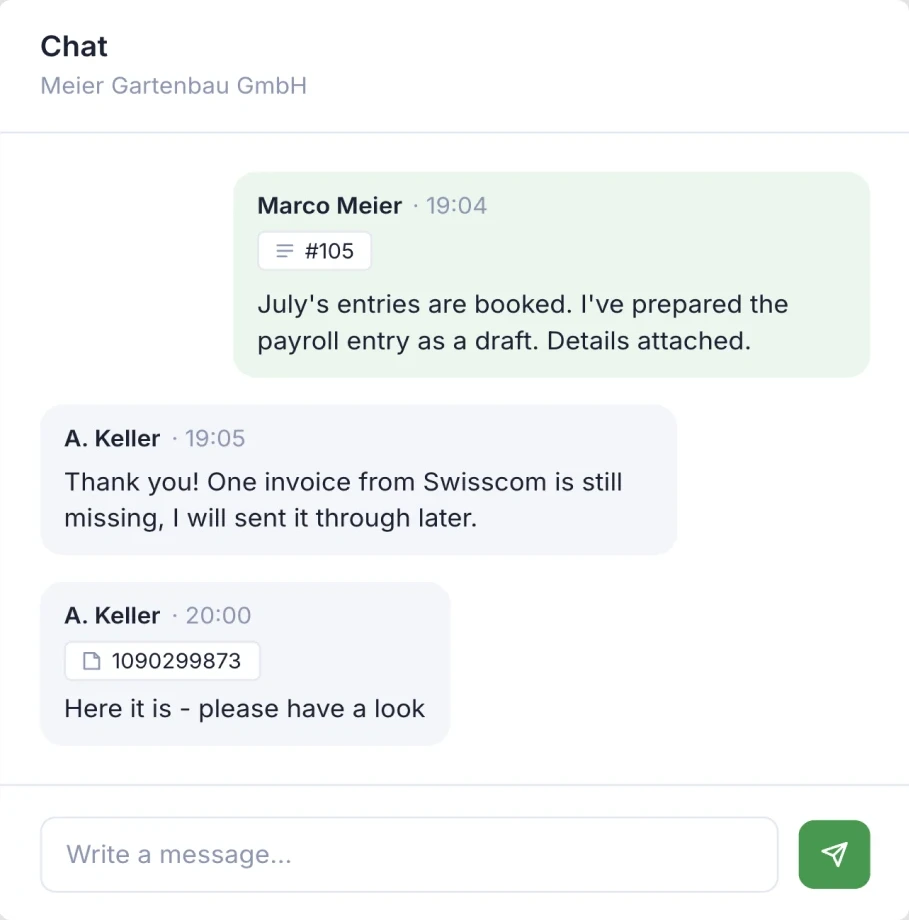
For clients working with you in SoloDesk, questions and replies stay in one conversation shared with your team.
Either side can refer directly to an invoice, accounting entry or bank transaction. When the recipient has access, they can open the record and focus on the question, with less back-and-forth to identify the item.
The Portfolio brings conversations across the clients you work with into one view, showing which have messages you haven’t read.
Working together
One shared chat for each client and your practice.
-
Follow the exchange as a team.
Everyone in the chat can read the questions and replies. A colleague covering the account can read the earlier discussion and continue with the relevant context.
-
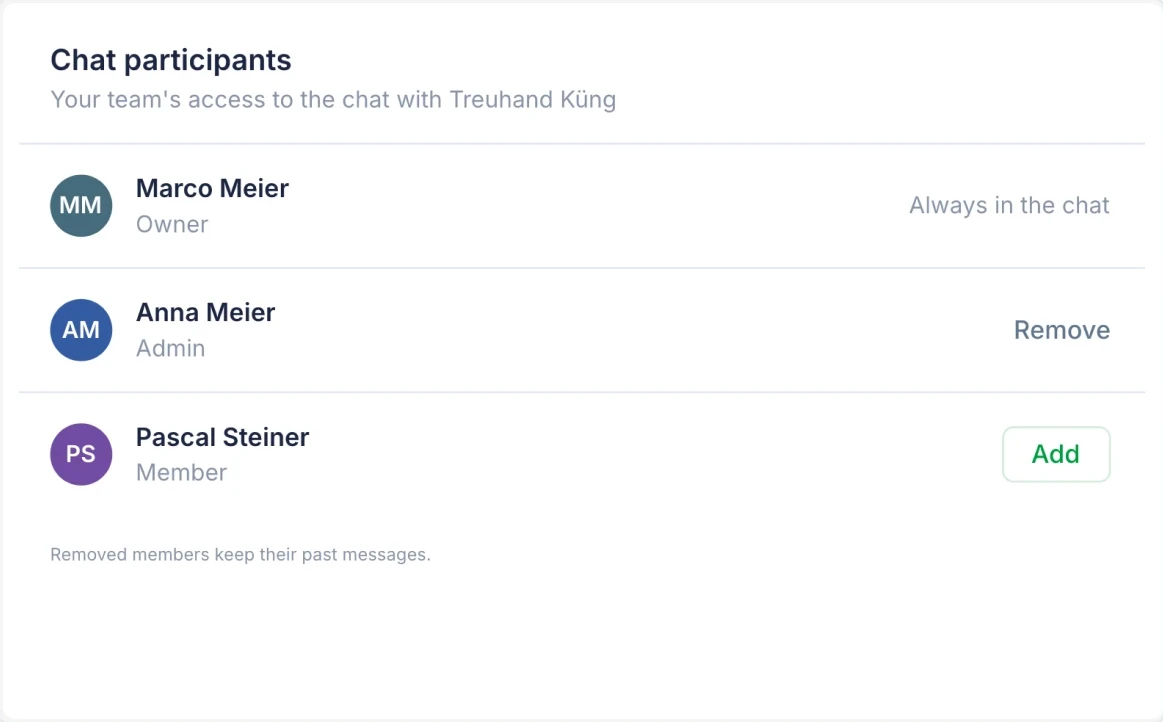
Bring the right people into the chat.
For clients working with you in SoloDesk, the chat is available without a separate setup. Accountants assigned to the client participate automatically. The client company's owner is included and chooses which other members of their team can join.
-
Manage your own reading and replies.
Your unread messages are personal and stay consistent wherever you open the chat. Reading a message does not clear it for your colleagues. Use “Mark unread from here” to return to a question later. You choose when to respond; the chat shows no read receipts, online status or typing indicators.
-
You can edit or delete your own messages. Edits are marked, and deleted messages leave a visible “Message deleted” notice.
Within reach
Open the chat wherever you work in SoloDesk.
-
Open, reply and return to the work.
Open a client's chat from the Portfolio, their profile or inside their books. Clients open the same chat from their own SoloDesk account. It appears in a side panel, so you can read or reply, then close it and continue on the page you were using.
-
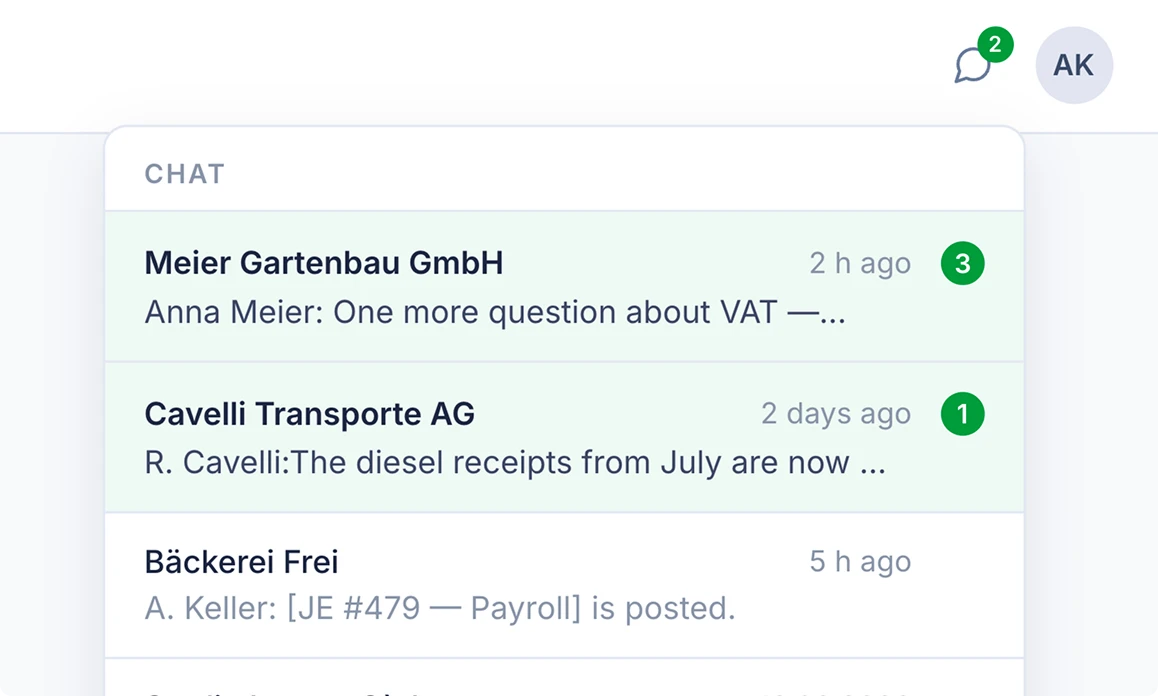
See where messages are waiting.
The Portfolio's chat icon brings together the conversations across the clients you work with and shows which have unread messages. Choose the exchange you want to open next. Clients see an unread-message count on the chat icon in their own company account.
In context
Show exactly what your question is about.
-
Ask from the record.
Open an invoice, accounting entry or bank transaction and choose “Chat about this”. Your message includes a reference to that item, so the recipient can open it directly from the chat when their access allows.
-
References follow each person's access.
Someone who cannot open a record sees its type, without the name, number or amount. The text you write in the message is visible to everyone in the chat.
-
Keep requested documents with the books.
When you need a missing receipt, ask the client in the chat. They upload it through the usual document route, so it becomes available with their other documents for processing and review.